
Agent Skills
Agent Skills is an MIT-licensed pack of 24 engineering workflows that helps AI coding agents plan, build, test, review, and ship with clearer quality gates.
Quick verdict: Agent Skills is a practical open-source pack for people who want an AI coding agent to follow a real engineering process instead of rushing straight to a patch. It contains 24 structured skills covering planning, implementation, testing, review, security, performance, and release work. The pack is MIT-licensed, works with more than 70 compatible agents through the open skills CLI, and also documents native setup for tools such as Codex and Claude Code. The important catch is that these are instructions and quality gates, not a magic runtime: results still depend on the host agent, the context you provide, and whether you actually inspect the evidence it returns.
If your current coding-agent workflow feels inconsistent—careful on one task, reckless on the next—Agent Skills gives it a repeatable playbook. I would start with three skills, not all 24, and expand only when the extra process is earning its context cost.
What is Agent Skills?
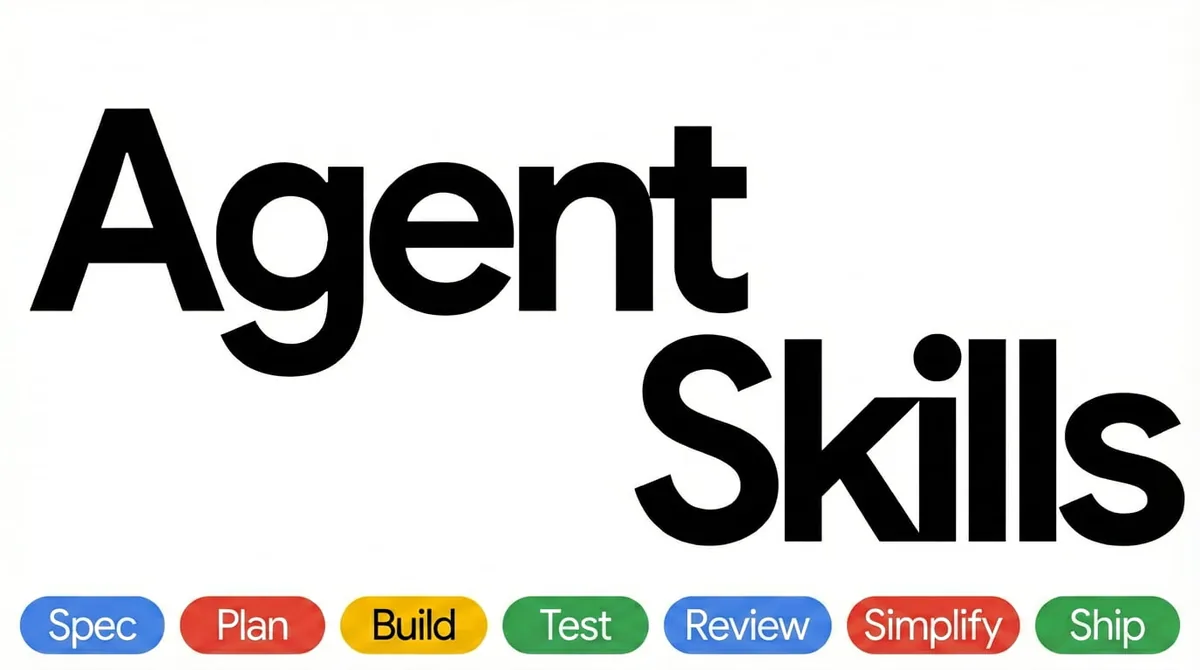
Agent Skills is a repository of Markdown-based workflows for AI coding agents. Each skill explains when it should activate, the steps the agent must follow, shortcuts to avoid, red flags to notice, and the evidence required before the work counts as complete. The catalog follows a six-phase lifecycle—Define, Plan, Build, Verify, Review, and Ship—so it covers more than code generation alone.
The official catalog currently includes 23 lifecycle skills plus the using-agent-skills router. That router helps an agent choose a relevant workflow, while the individual skills handle jobs such as requirements discovery, test-driven development, debugging, API design, security hardening, performance work, observability, deprecation, and launch preparation.
Main features
- 24 focused skills: workflows span specifications, planning, incremental implementation, TDD, debugging, code review, security, performance, CI/CD, documentation, observability, migration, and shipping.
- Lifecycle entry points: eight documented commands map common work to phases such as
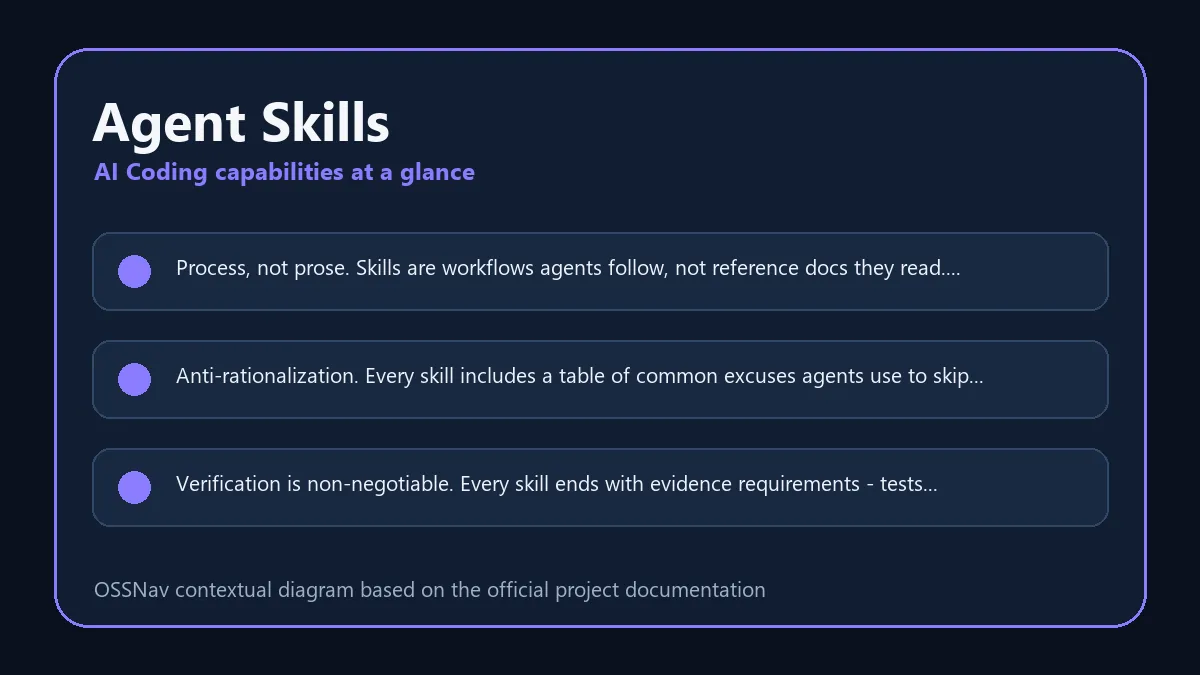
/spec,/plan,/build,/test,/review, and/shipon platforms that support those commands. - Built-in resistance to shortcuts: skills include verification gates, red flags, and “common rationalizations” that challenge an agent when it tries to skip tests, reviews, or discovery.
- Specialist review material: the repository ships code-review, test, security, and web-performance personas, plus seven reusable engineering checklists.
- Measured routing: a three-tier eval framework checks structure, trigger and routing behavior, and—on demand—whether an agent’s execution trace satisfies a skill’s expectations.
- Broad installation support: the generic skills CLI targets more than 70 agents, while first-party guides cover native or manual integration for major coding tools.
What makes the pack useful?
The strongest idea here is not “more prompts.” It is process with an exit condition. A testing skill that ends with a concrete proof checklist is more useful than a paragraph telling an agent to “write good tests.” The same pattern appears across the catalog: define the trigger, follow the workflow, surface failure modes, and show evidence.
The project also handles context more thoughtfully than a giant always-on rules file. Its own getting-started guide warns against loading all 24 skills at once. For a new project, you can start with specification, TDD, and review. For an established codebase, the adoption guide recommends context gathering, read-only review, and characterization tests before ambitious refactors. That is sensible advice because the cost of an AI mistake is very different in a greenfield prototype and a mature production system.
There are still platform differences. Claude Code receives the repository’s slash commands, personas, and lifecycle hook. Codex uses the same skill files but invokes them directly, for example with @spec-driven-development; the official Codex guide says the plugin path requires Codex CLI 0.122 or later. Treat “works with 70+ agents” as format compatibility, not a promise that every integration exposes identical behavior.
How to install and use Agent Skills
The fastest general installation uses the open skills CLI. List the repository first if you want to browse, then install the full pack or name one skill:
npx skills add addyosmani/agent-skills --list
npx skills add addyosmani/agent-skills
npx skills add addyosmani/agent-skills --skill test-driven-development
For Codex, the official native route registers the repository as a plugin marketplace and then enables its plugin:
codex plugin marketplace add addyosmani/agent-skills
codex plugin add agent-skills@agent-skills
Start a fresh Codex session after installation, then call a skill with @ or describe the task and let routing choose. On another agent, follow its specific guide or load the relevant SKILL.md through the tool’s rules or instruction mechanism.
My practical setup would stay small: use spec-driven-development when the request is fuzzy, test-driven-development when behavior changes, and code-review-and-quality before merging. Add security, performance, API, or shipping skills only when the task reaches those boundaries. One warning from the official docs matters: installing a single skill can omit repo-level reference checklists, so copy the required reference or use the full repository when that supporting material is important.
Best use cases
Agent Skills fits teams that want a shared operating standard for AI-assisted development. It is especially useful for turning vague feature requests into reviewed plans, forcing test evidence before a fix is declared done, adding structured security or performance passes, and giving multiple developers the same vocabulary for “ready to ship.” It can also help solo developers who notice that their agent’s discipline changes with prompt wording.
It is a weaker fit for a one-line edit where the full lifecycle would be ceremony, or for users who expect an autonomous coding product with its own model and runtime. Agent Skills does not replace Codex, Claude Code, Cursor, or another host. It shapes how that host works. If your agent cannot access files, run tests, or inspect runtime evidence, a workflow document cannot manufacture those capabilities.
Pricing and license
The repository is released under the MIT License, so the skill files can be used, modified, and redistributed under the license terms. Downloading the pack does not require a paid Agent Skills subscription. Your actual cost comes from the host coding agent, model plan, API usage, and the engineering time spent adapting workflows to your repository.
The project currently exposes no tagged GitHub release, so teams that need repeatable rollouts should review and pin the exact commit they adopt instead of assuming the main branch is a stable version boundary.
My take
Agent Skills is appealing because it tackles a real weakness in coding agents: they can know how to test, review, or investigate and still choose the shortest path unless the workflow makes those steps explicit. This pack turns senior-engineering habits into reusable gates without hiding them behind a hosted service.
I would not install everything and expect instant transformation. Pick one recurring failure—unclear requirements, skipped tests, shallow reviews—and try the matching skill on a real task. Check whether the agent produces better evidence, not just longer answers. If that works, add the next phase. Used selectively, Agent Skills looks like a solid way to make AI coding more predictable; loaded indiscriminately, it can become another large block of context competing for attention.