
Diagram Design
Diagram Design is an MIT-licensed agent skill for creating editorial HTML, SVG, and PNG diagrams and redrawing supported draw.io or Mermaid sources.
Quick verdict: Diagram Design is a focused open-source skill for people who want an AI coding agent to produce clean, editorial diagrams instead of the usual pile of glowing rounded boxes. It installs into Claude Code, Codex, or Pi, generates editable HTML with inline SVG and CSS, and can also redraw selected draw.io and Mermaid sources. It is especially useful when a diagram needs to look intentional without opening a full visual-design application.
The practical catch is just as important: this is a skill package, not a standalone drag-and-drop editor or hosted service. You still need a compatible AI agent, you should review the generated structure, and the project currently ships from its main branch rather than through versioned GitHub releases.
What is Diagram Design?
Diagram Design is an MIT-licensed agent skill and plugin package that turns a written request into an editorial diagram. The output is a local HTML file with an inline SVG and CSS, so the result is inspectable and easy to keep with a project. The same workflow can export the diagram portion as SVG or PNG when you need an asset for documentation, Figma, a slide deck, or a social graphic.
The current README and packaged SKILL.md document 27 visual types, covering architecture, flowcharts, sequences, state machines, data models, timelines, organization charts, loops, charts, and data-platform layouts. The repository description currently says 29 types, so there is a first-party count mismatch; check the official gallery or the latest main branch when an exact type matters.
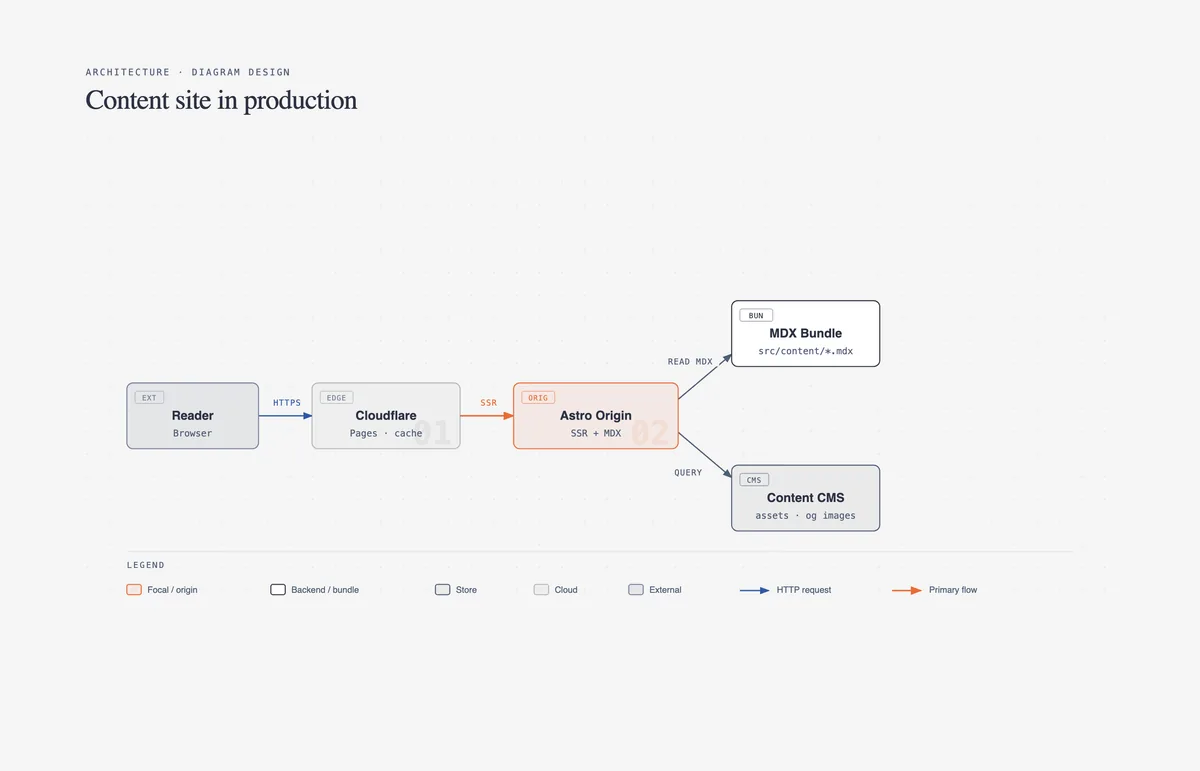
Main features
- Editorial diagram system: uses a restrained palette, clear hierarchy, limited accent color, modest corner radii, and connector rules designed to keep relationships readable.
- Broad visual library: handles common software, business, data, process, and chart layouts through dedicated references rather than one generic template.
- Brand onboarding: can extract palette and typography cues from a website, then proposes token changes before applying them to the shared style guide.
- Accessible output: generated SVGs include a title and description, while optional motion includes a complete static frame and reduced-motion behavior.
- Draw.io and Mermaid redraws: imports supported source structures as data, then rebuilds the layout under the Diagram Design rules instead of copying the original renderer.
- Four output controls: format, canvas size, detail level, and audience let the same source become a technical document diagram or a simplified presentation visual.
- Static by default: normal diagrams contain no active animation controller; accessible motion is optional when ordered change genuinely helps the explanation.
- Local checks and export: includes a self-check script, SVG extraction guidance, and a Playwright-based PNG path that must be requested explicitly.
What makes Diagram Design different?
The strongest idea here is not a new renderer; it is an opinionated editing discipline. The skill tells the agent to remove unnecessary nodes, reserve the accent color for one or two focal ideas, route connectors orthogonally, and split overcrowded diagrams. That makes the result feel closer to an editorial illustration than an automatically arranged graph.
It also separates meaning from layout. For behavior-heavy topics such as queues, policy traces, trust boundaries, or compensating controls, the agent first chooses a semantic pattern and then maps it to a visual type. That distinction is useful because a technically correct shape library can still produce a confusing explanation if it does not identify what the reader should notice first.
There are sensible safety boundaries around imports. Mermaid labels and draw.io content are treated as inert diagram data, click targets and source styling are discarded, and the importer does not execute embedded scripts or follow links. Import coverage is deliberately finite, though, so unsupported Mermaid grammars or very large sources should be simplified rather than forced through the pipeline.
How to install and use it
The cleanest installation path is the native plugin or package flow for your agent. Use only the command set for the host you actually run:
# Claude Code
/plugin marketplace add cathrynlavery/diagram-design
/plugin install diagram-design@diagram-design

# Codex
codex plugin marketplace add cathrynlavery/diagram-design
codex plugin add diagram-design@diagram-design

# Pi
pi install https://github.com/cathrynlavery/diagram-design
For your first project, decide whether to keep the default white-smoke, dark-ink, and orange-accent system or onboard a brand palette. Then ask for one specific diagram, state the audience and destination, and let the skill propose a type, size, and complexity cut before it draws. A useful prompt might be: “Create a slide-sized architecture diagram for a mixed audience, showing the web app, API gateway, auth service, worker queue, and database.”
If you already have a draw.io or Mermaid source, request a redraw and specify the desired detail level. Review the fidelity ledger after generation so you know what was merged, collapsed, or dropped. For PNG export, Playwright is an extra local dependency; the official instructions intentionally do not install it without permission. SVG export keeps vector text, but offline design tools may substitute fonts because the default output references Google Fonts.
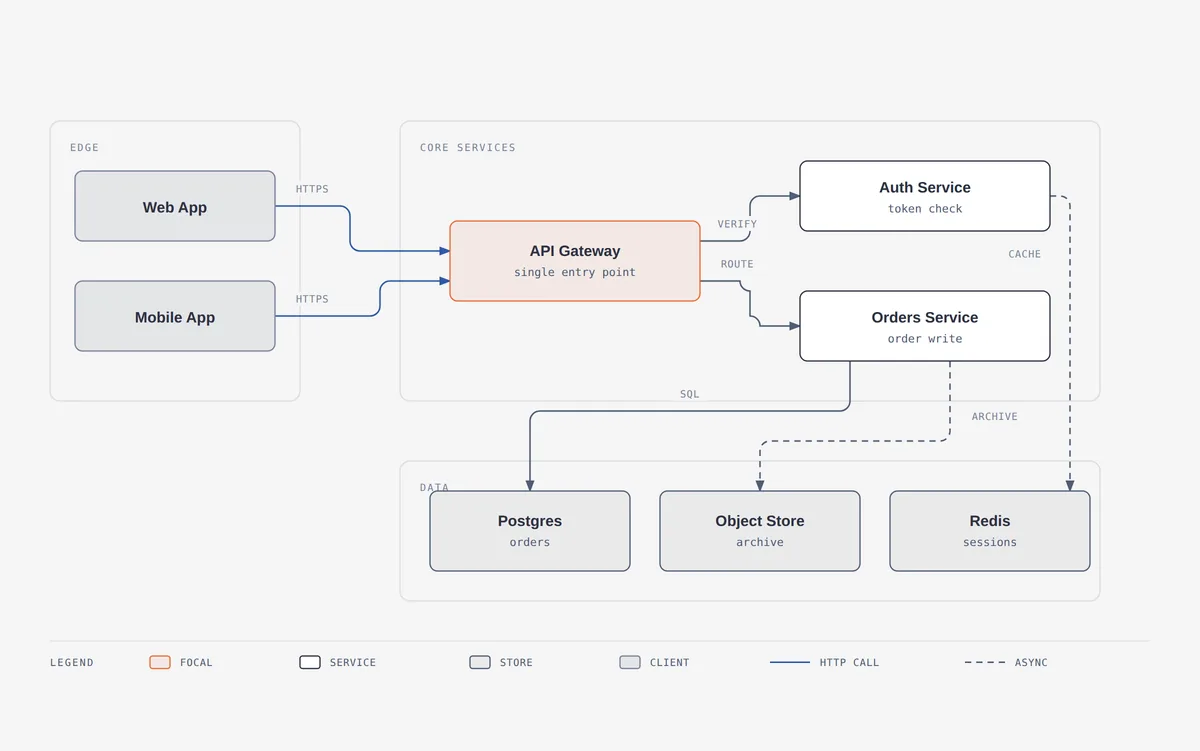
Best use cases
Diagram Design fits architecture notes, technical proposals, README illustrations, product explanations, migration plans, security reviews, data-platform maps, and presentation visuals. It is particularly handy when the author already works in an AI coding agent and wants the diagram file to live beside the code or documentation.
It is a weaker choice for collaborative freehand workshops, pixel-level manual illustration, real-time multiuser editing, or enormous automatically generated dependency graphs. A dedicated visual editor or graph-visualization system will serve those jobs better. This skill is at its best when the source story is clear enough to edit and the goal is a concise, readable artifact.
Pricing and license
The Diagram Design code and skill package are free under the MIT License. The repository also documents the licenses and trademark status of bundled icon sources, including MIT, CC0, and public-domain material. That is a good sign for reuse, but teams should still keep the third-party notices when redistributing bundled assets.
There is no Diagram Design subscription. Your compatible AI agent, model access, or coding-assistant plan may have a separate cost, and PNG export requires a local Playwright installation. The repository does not currently publish versioned GitHub releases; its security policy says fixes are applied to the latest main commit, so pinning a known commit is sensible when reproducibility matters.
My take
Diagram Design is one of those small tools with a clear point of view. It does not try to replace every diagram app. Instead, it gives an AI agent enough visual judgment, layout constraints, and checking steps to make common technical diagrams look deliberate. The official gallery is the fastest way to decide whether that aesthetic fits your work.
I would start with a single architecture or flow diagram, keep the default static output, and compare it with the explanation you would otherwise write as prose. If the visual genuinely makes the relationships easier to scan, customize the style tokens and add it to the project. If not, follow the skill’s own best rule: delete the diagram and keep the clearer paragraph.