
OpenClaw
OpenClaw is a self-hosted, open-source personal AI assistant that connects models, tools, devices, and popular chat apps through a Gateway you control.
Quick verdict: OpenClaw is one of the most capable open-source personal AI assistants available right now. It runs on your own hardware, connects to the chat apps you already use, and can move beyond conversation into real tool-driven work. That freedom is the main attraction, but it also means setup and security are your responsibility.
This review is for developers, self-hosters, and technically confident users who want an assistant they can shape around their own workflow. If you only need a polished chatbot with no maintenance, OpenClaw will probably feel like too much machinery. If you want an always-on agent that can live in Telegram, WhatsApp, Discord, Slack, or a browser dashboard, it is much more interesting.
What Is OpenClaw?
OpenClaw is an open-source personal AI assistant developed in public by the OpenClaw Foundation and community. The assistant runs on your own computer, home server, or VPS. A local Gateway coordinates models, conversations, tools, devices, and messaging channels, while the Control UI gives you a browser-based place to manage sessions and settings.
The important distinction is that OpenClaw is not simply another chat interface. It is an agent runtime. You choose the model provider, decide which tools and files the agent may access, connect the channels you care about, and keep the service running. The official project supports current cloud providers as well as custom and local model endpoints, so you are not locked into a single AI company.
OpenClaw Features
The feature list is broad, but a few parts define the product. First is multi-channel messaging. Telegram, iMessage, and WebChat are included in the core install, while official plugins cover services such as Discord, Slack, WhatsApp, Feishu, Google Chat, Signal, and SMS. Multiple channels can run at the same time, with the Gateway routing each conversation to the correct session.
- Control UI: a web dashboard for chat, sessions, tasks, usage, skills, plugins, devices, approvals, and Gateway health.
- Flexible model support: connect OpenAI, Anthropic, Google, OpenRouter, Ollama, LM Studio, and many other hosted or local providers.
- Tools and automation: let trusted agents work with files, commands, browsers, schedules, messaging services, and installed integrations.
- Skills and plugins: extend behavior through reusable instructions and installable packages, including the ClawHub ecosystem.
- Cross-device access: use the browser interface, desktop companions, mobile apps, and familiar chat clients rather than staying inside one app.
- Persistent operation: run the Gateway as a background service so the assistant remains available for scheduled and asynchronous work.
The current stable release at the time of writing is version 2026.7.1. It includes a redesigned Control UI and onboarding flow, updated mobile and macOS apps, broader provider support, and improvements to long-running sessions, scheduled work, Telegram, Slack, Discord, and connected coding agents. OpenClaw changes quickly, so checking the official release page before installation is worthwhile.
What Makes OpenClaw Different?
The strongest part of OpenClaw is ownership. Your Gateway, workspace, credentials, and configuration live on infrastructure you choose. You can use a powerful hosted model for difficult work, switch to a cheaper model for routine tasks, or connect a local model when privacy matters more than raw capability. That is a much more adaptable arrangement than paying for a closed assistant and hoping its roadmap matches yours.
I also like that messaging is treated as a first-class interface rather than an afterthought. A personal assistant becomes more useful when it is reachable where conversations already happen. The official documentation calls Telegram the fastest channel to set up, while WhatsApp uses QR pairing and stores additional state on disk. That practical detail tells you a lot about the project: it gives you choices, but it does not pretend every integration is equally simple.
The trade-off is complexity. OpenClaw has more moving parts than a normal desktop app: a Node.js runtime, the Gateway, model authentication, channel credentials, tool policies, and possibly Docker for sandboxing. The installer makes the first run easier, but it cannot make operational responsibility disappear. This is a power-user product, even when the onboarding looks friendly.
How to Install and Use OpenClaw
The official installer supports macOS, Linux, Windows, and WSL2. OpenClaw currently requires Node.js 22.22.3 or newer on the supported Node 22 line, Node 24.15 or newer, or Node 25.9 or newer. Node 24 is the recommended default, and the hosted installer can handle the runtime automatically.
Step 1: Run the installer
On macOS, Linux, or WSL2, run the official shell installer:
curl -fsSL https://openclaw.ai/install.sh | bashOn Windows PowerShell, use:
iwr -useb https://openclaw.ai/install.ps1 | iexIf you already manage Node yourself, the documented npm path is npm install -g openclaw@latest. Windows users can also choose the native Windows Hub companion app.
Step 2: Complete onboarding
Run openclaw onboard --install-daemon. The wizard helps you select a model provider, authenticate it, configure the Gateway, and optionally connect channels or install skills. An API key is the most predictable choice for an always-on host, although supported OAuth and subscription flows are available for some providers.
Step 3: Verify the Gateway and open the dashboard
Use openclaw gateway status to confirm that the service is running. The default Gateway listens on port 18789. Then run openclaw dashboard to open the Control UI and send a test message. After that, connect one messaging channel at a time instead of configuring everything at once.
Step 4: Lock down permissions
Before giving the assistant access to files, shell commands, browsers, or public chat rooms, read the official security guide and run openclaw security audit. Start with direct-message pairing or allowlists, keep the Gateway bound locally, enable authentication, and grant only the tools an agent genuinely needs. Docker-backed sandboxing can reduce the blast radius of tool mistakes, but the documentation correctly warns that it is not a perfect security boundary.
Practical OpenClaw Use Cases
OpenClaw makes the most sense when the same assistant needs to stay available across devices and perform recurring work. A developer can receive repository summaries or code-review feedback in Telegram. A self-hoster can query services at home, monitor scheduled jobs, and keep the control plane on a private machine. A small team can connect a carefully restricted agent to Slack or Discord for triage and internal utilities.
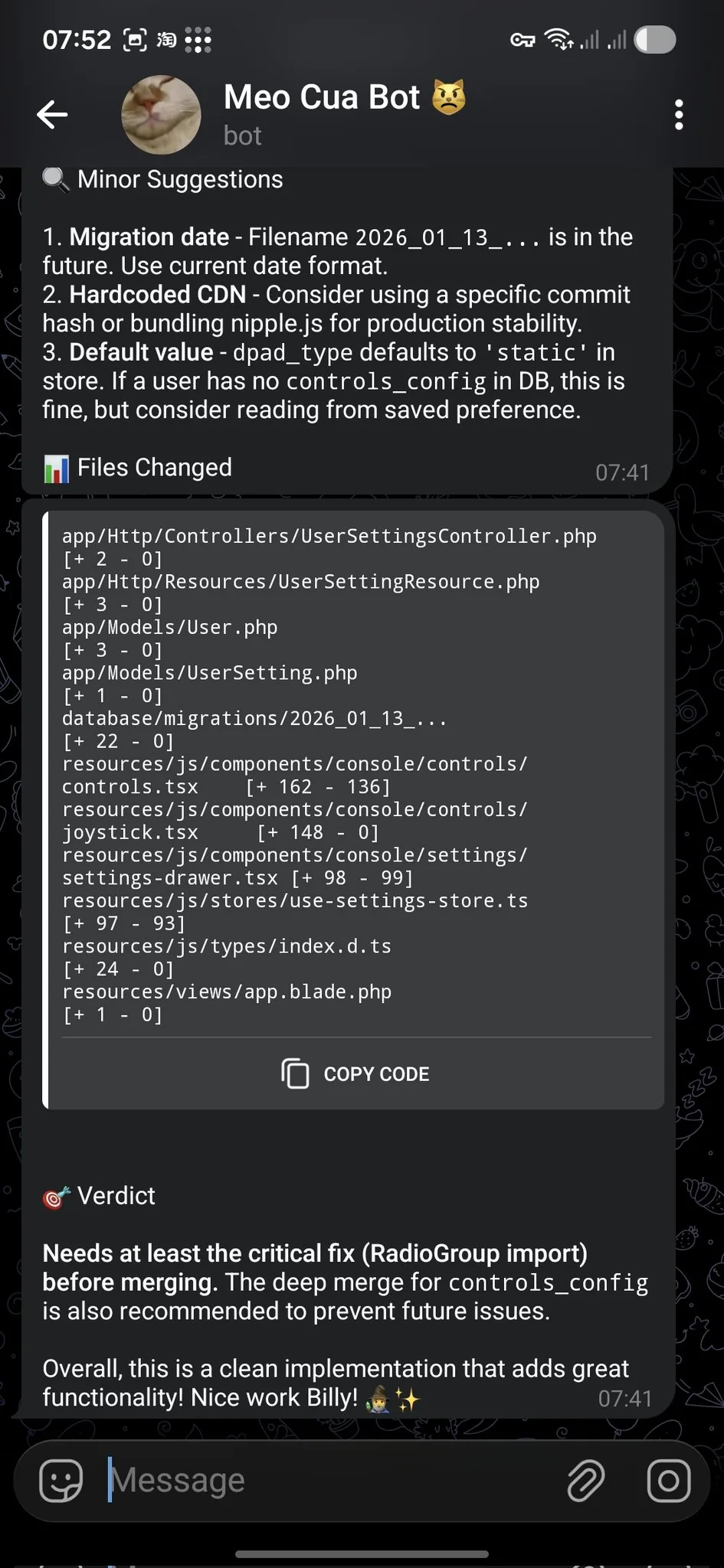
Other realistic uses include morning briefings, calendar preparation, message drafting, research collection, home automation, voice interactions, scheduled reminders, and personal knowledge workflows. The key is to choose tasks with clear boundaries and reversible actions. I would not start by giving a new installation unrestricted access to email, cloud storage, a browser profile, and the host shell on the same day.
OpenClaw Pricing
OpenClaw itself is free and open source under the MIT License. There is no required OpenClaw subscription for downloading and self-hosting the software. Your actual cost depends on the surrounding stack: model API usage, a VPS or home server, domain and TLS services, and paid messaging or voice providers such as Twilio may all add charges.
A local model can reduce per-request API fees, but it shifts the cost toward hardware, electricity, setup time, and usually lower model quality. For many users, the sensible starting point is a modest local or cloud Gateway paired with one paid model provider, then adding fallbacks only after usage patterns become clear. “Free software” is accurate; “free personal AI operations” usually is not.
My OpenClaw Review
OpenClaw is impressive because it treats an AI assistant as infrastructure you own, not merely a chat window you rent. The channel support is unusually broad, the model layer is flexible, and the Control UI brings a sprawling set of capabilities into one place. The project also documents the uncomfortable parts—authentication, network exposure, tool permissions, and prompt injection—more directly than many agent projects do.
That said, I would not recommend it to everyone. The same permissions that make an agent useful can make a careless installation dangerous. Plugin and skill supply chains deserve scrutiny, public exposure should be avoided unless you understand the controls, and a shared Gateway is not designed to isolate mutually untrusted users. Updating regularly matters because both features and security fixes move quickly.
For a developer or experienced self-hoster, OpenClaw earns a strong recommendation. It is practical, actively developed, and far more adaptable than a single-provider assistant. For a beginner, the best path is to start with the Control UI and one Telegram bot, keep tools restricted, and expand only after the security audit is clean. OpenClaw can genuinely do useful work, but its best feature—control—only pays off when you are willing to exercise it.